For iPhone
Für iPhone
Your finger is the ruler.
FingerSpan turns any line you trace on the map into an instant distance. No search, no waypoints, no setup — just draw.
Dein Finger ist das Lineal.
FingerSpan macht aus jeder Linie, die du auf der Karte ziehst, sofort eine Distanz. Keine Suche, keine Wegpunkte, kein Einrichten — einfach zeichnen.


Free to download · one-time Premium unlock · for iPhone and iPad
Kostenloser Download · einmaliger Premium-Kauf · für iPhone und iPad
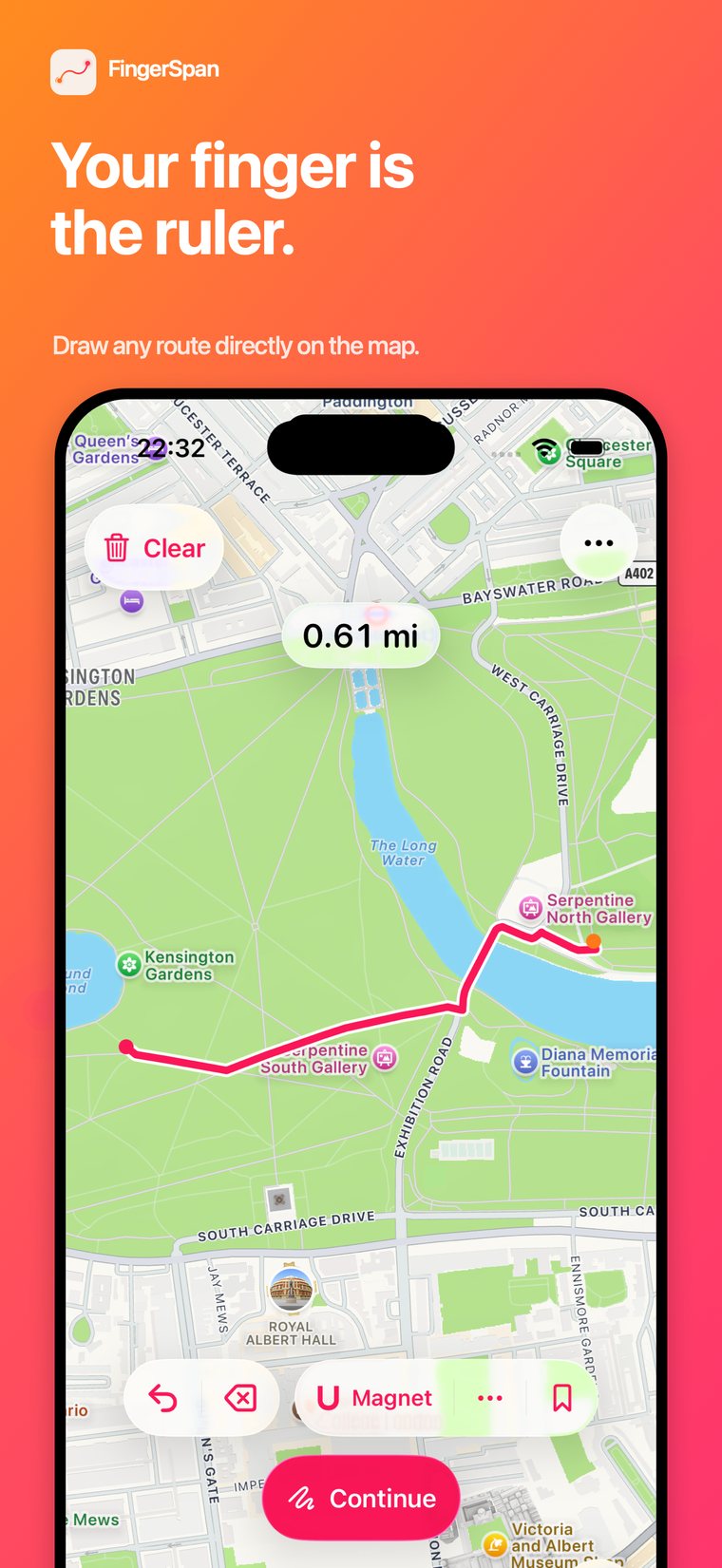
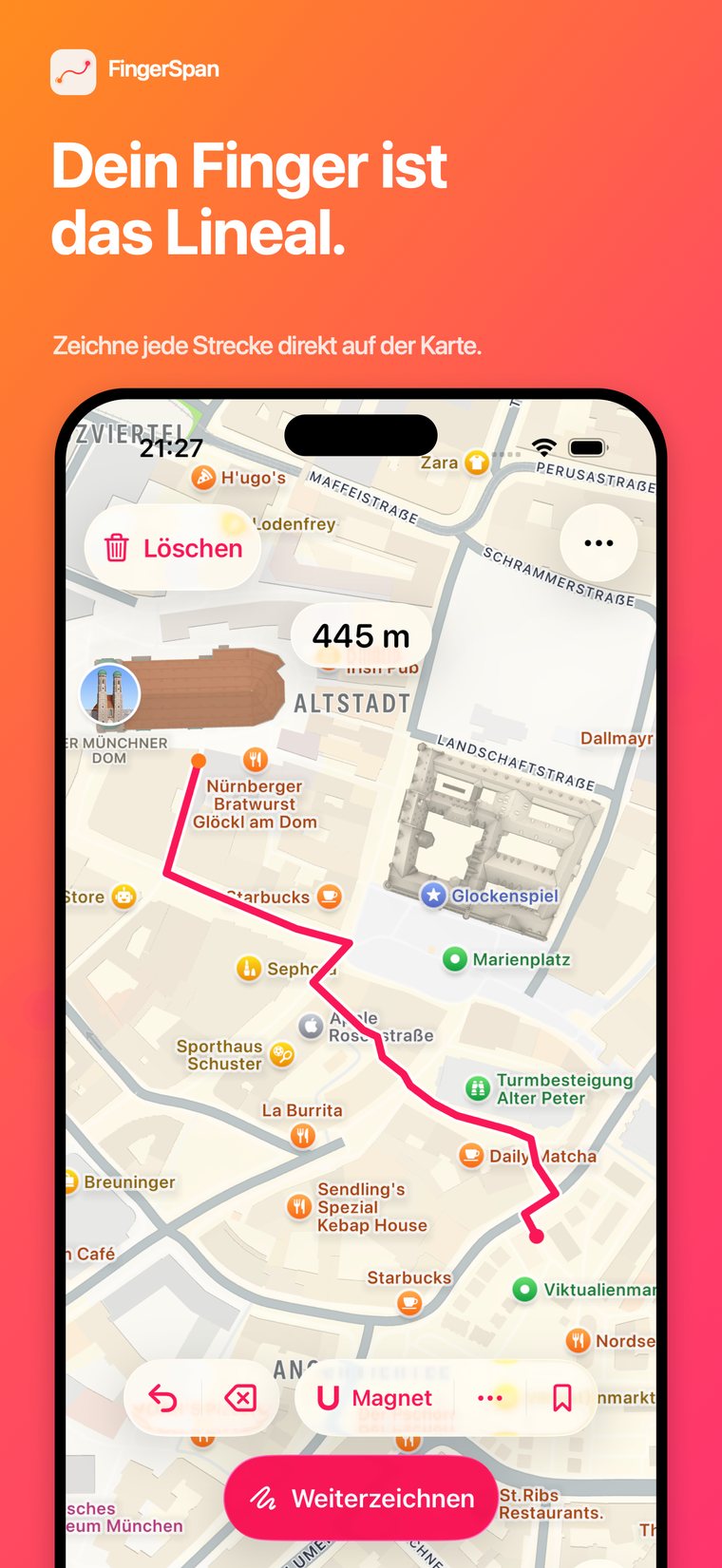
Draw a line. Know the distance.
Linie ziehen. Distanz kennen.
-
1
Draw
Trace any route on the map with one finger.
-
2
Measure
Watch the distance update live as you go.
-
3
Refine
Snap it to paths, straighten it, or save it.
-
1
Zeichnen
Eine beliebige Strecke mit einem Finger auf der Karte ziehen.
-
2
Messen
Die Distanz aktualisiert sich live beim Zeichnen.
-
3
Verfeinern
An Wege einrasten, begradigen oder speichern.
Built for one job, done well.
Für eine Aufgabe gemacht — richtig gut.
-
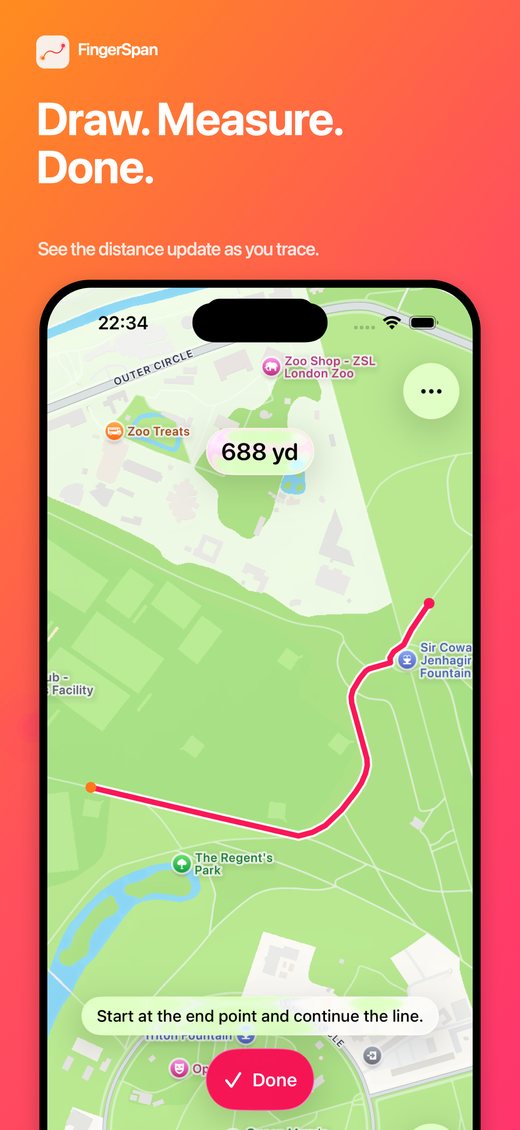
Live distance
The measured length updates the instant you move your finger — in meters, kilometers, feet, or miles, matching your region automatically.
-
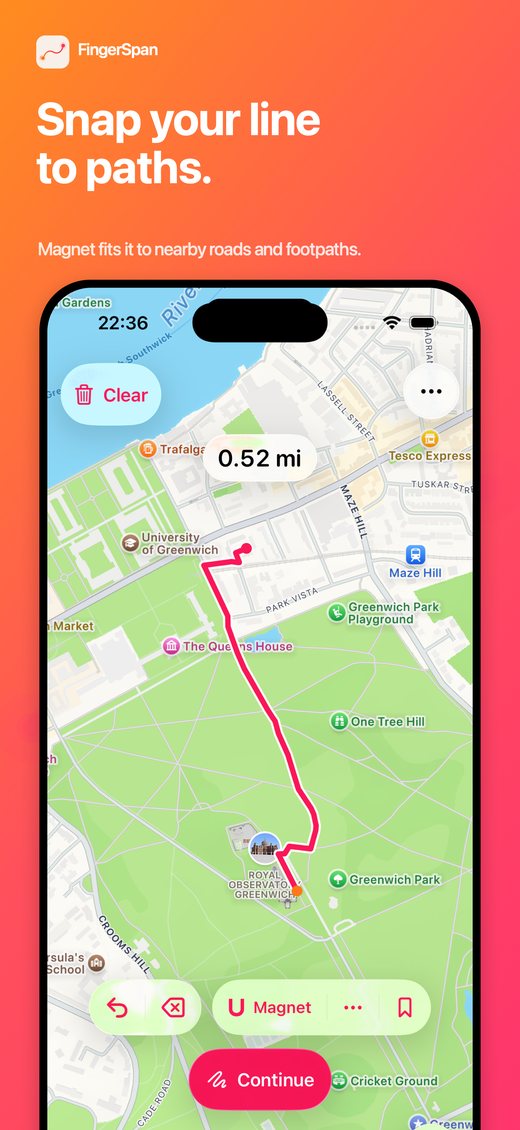
Snap to paths
The Magnet tool matches your freehand line to nearby roads and footpaths, for a cleaner, more realistic route.
-
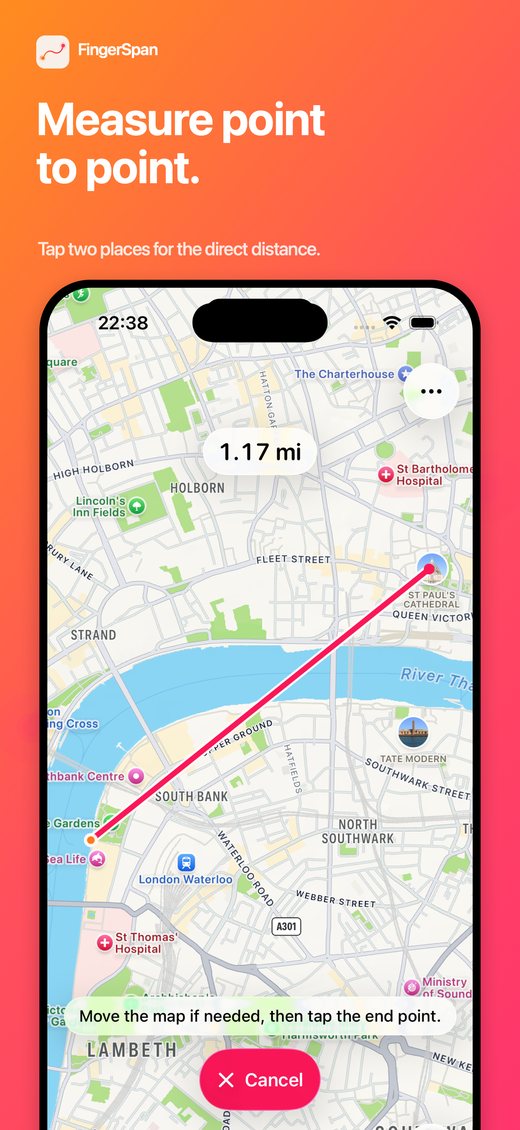
Point to point
Need a straight distance instead? Tap two places on the map for the direct line between them.
-
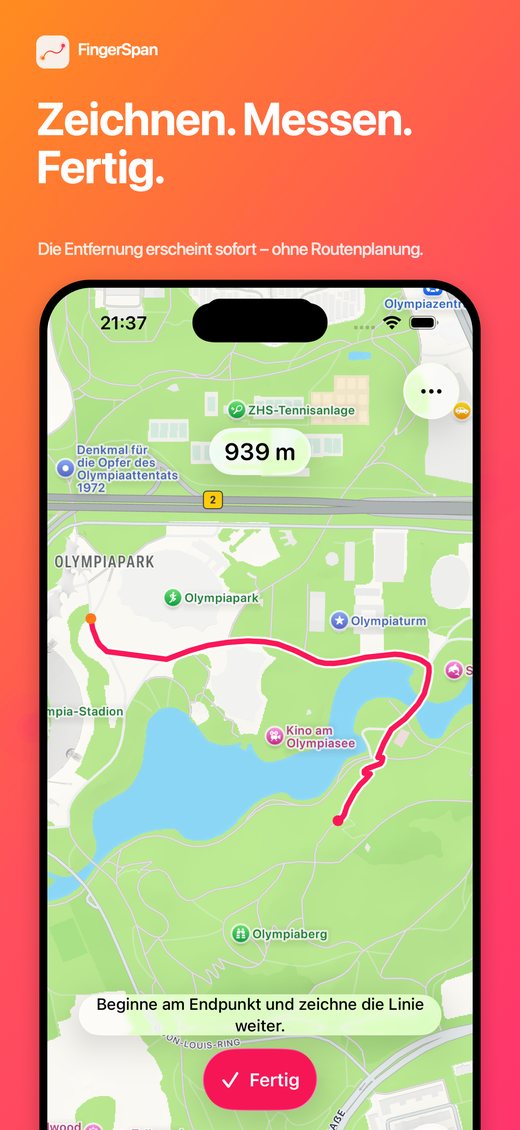
Live-Distanz
Die gemessene Länge aktualisiert sich, sobald sich dein Finger bewegt — in Metern, Kilometern, Fuß oder Meilen, automatisch passend zu deiner Region.
-
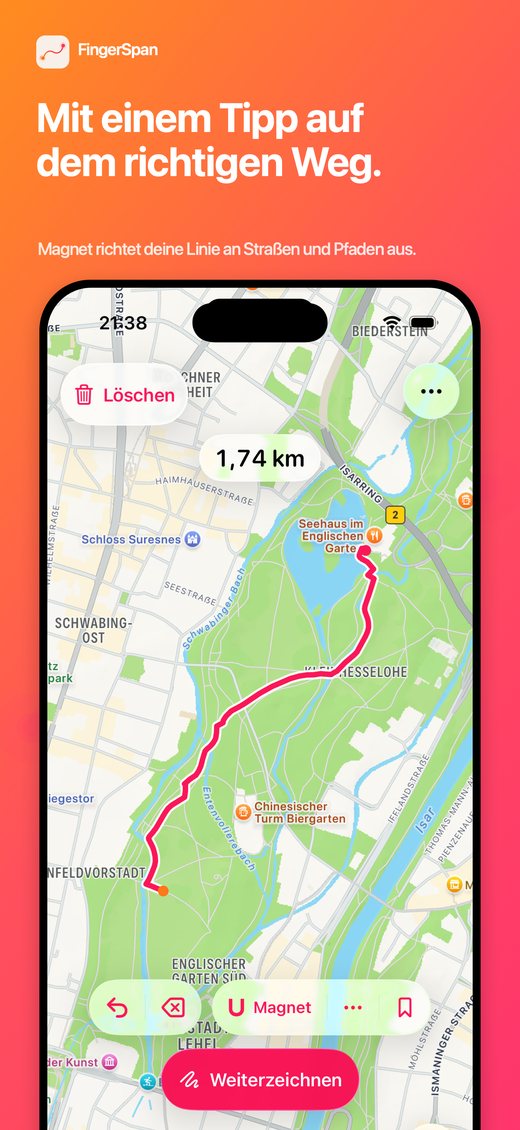
An Wege einrasten
Das Magnet-Werkzeug passt deine frei gezeichnete Linie an nahegelegene Straßen und Fußwege an, für eine sauberere, realistischere Strecke.
-
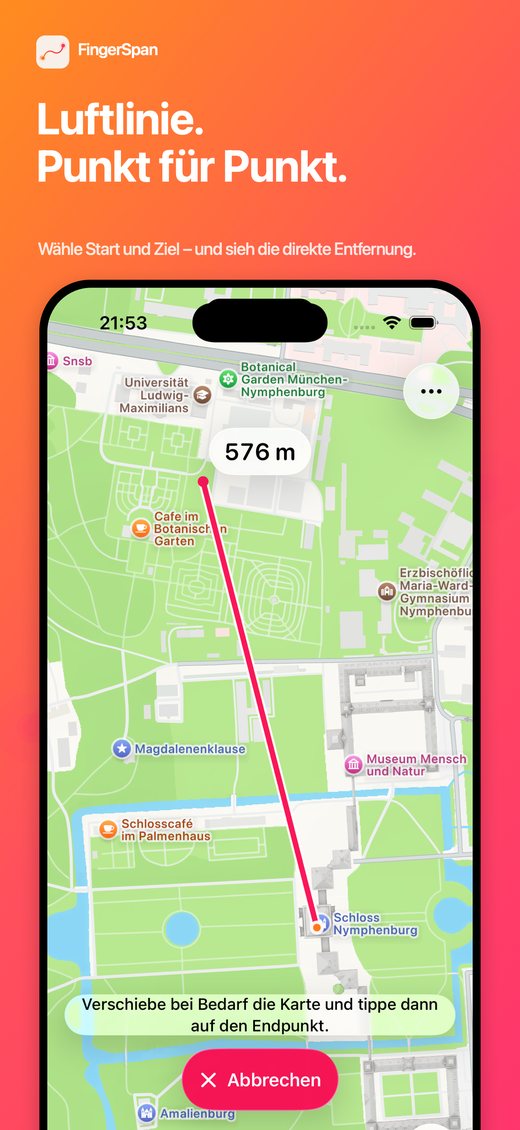
Punkt zu Punkt
Lieber eine Luftlinie? Zwei Stellen auf der Karte antippen und die direkte Distanz dazwischen sehen.
More maps. Keep your measurements.
Unlock more choice and a personal measurement archive with one simple upgrade.
-
OpenStreetMapSwitch from Apple Maps whenever you prefer.
-
Personal archiveName, save, and reopen measurements anytime.
-
Optional iCloud syncKeep saved measurements available across your devices.
One-time purchase No subscription
Mehr Karten. Messungen behalten.
Schalte mit einem einfachen Upgrade mehr Auswahl und dein persönliches Messungsarchiv frei.
-
OpenStreetMapWechsle jederzeit von Apple Karten zur Kartenalternative.
-
Persönliches ArchivMessungen benennen, speichern und jederzeit wieder öffnen.
-
Optionale iCloud-SynchronisierungGespeicherte Messungen auf deinen Geräten verfügbar halten.
Einmaliger Kauf Kein Abo
- No accounts
- No ads or tracking
- Apple Maps included · OpenStreetMap with Premium
- Kein Konto
- Keine Werbung, kein Tracking
- Apple Karten inklusive · OpenStreetMap mit Premium
Draw a line. Know the distance.
Download FingerSpan for free on the App Store.
Linie ziehen. Distanz kennen.
Lade FingerSpan kostenlos im App Store.